 NiceScreens
Your computer,on your iPhone.
VNC for iPhone and iPad, with touch controls, a toolbar you arrange, and Tailscale built in.
In App Store review · not yet available to download
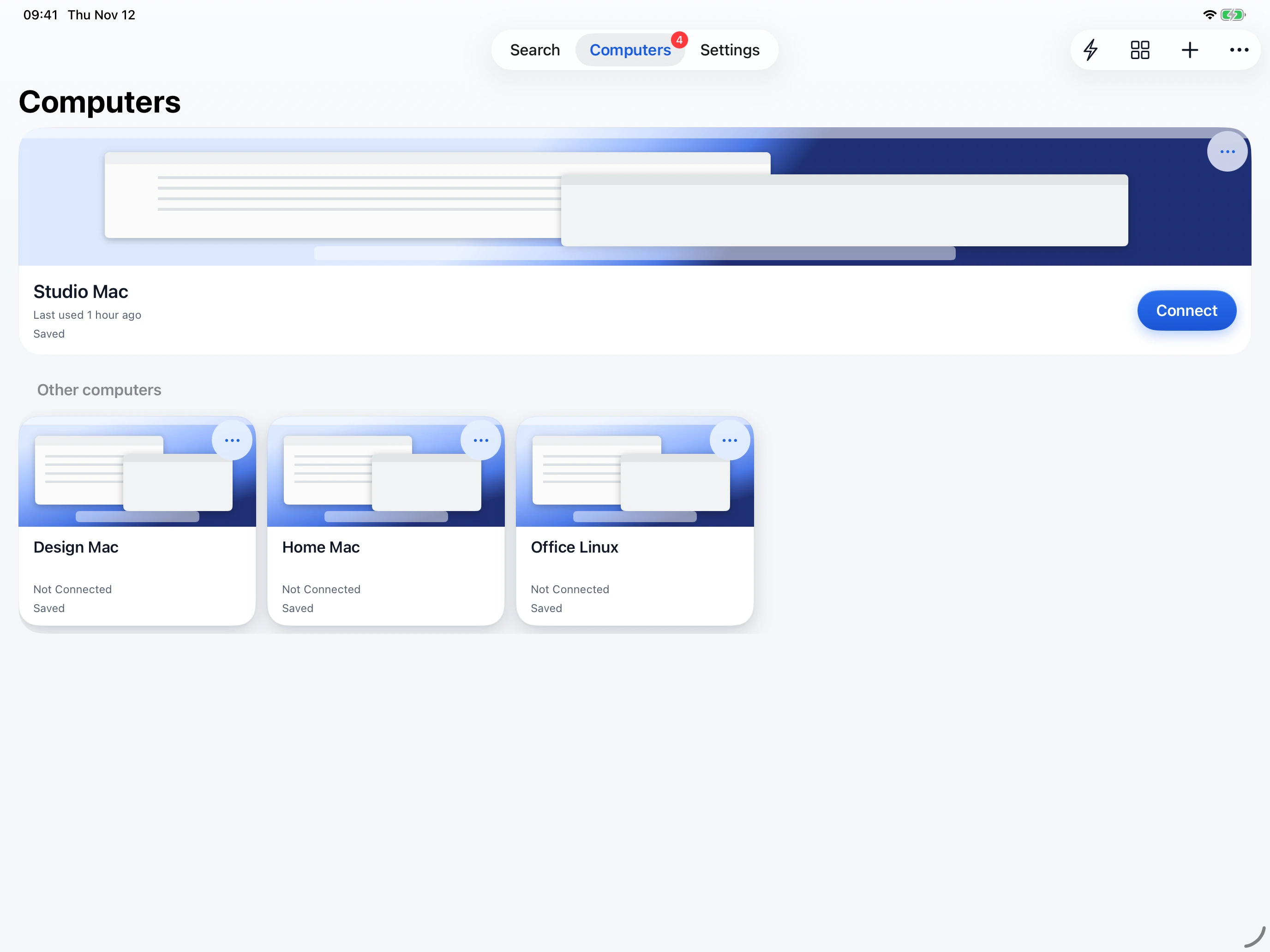
- Your computersYour recent computer is right at the top. Keep your saved Macs and PCs together, then choose the one you want to connect to.
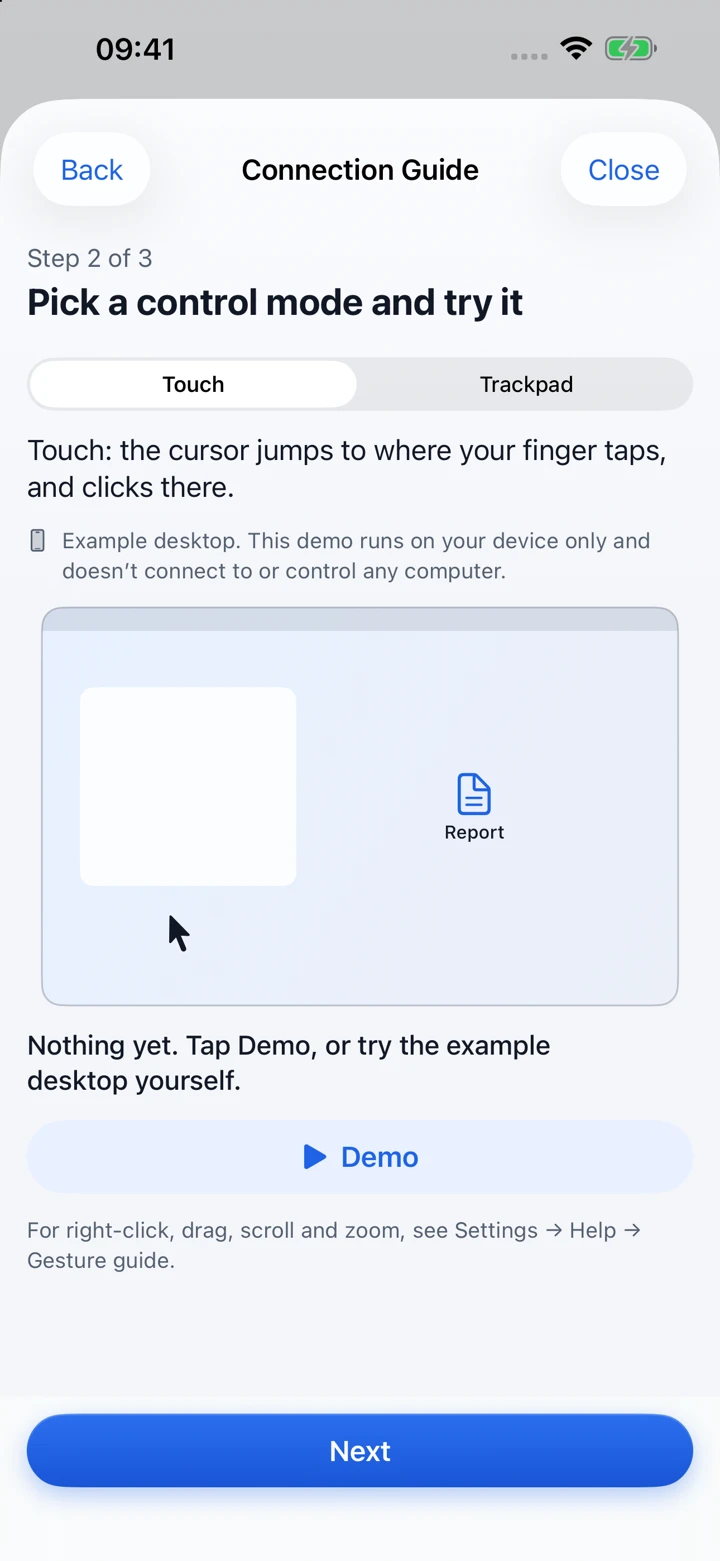
- Touch or trackpadTap where you want to click, or switch to trackpad and steer a cursor. The connection guide lets you try both on a practice desktop.
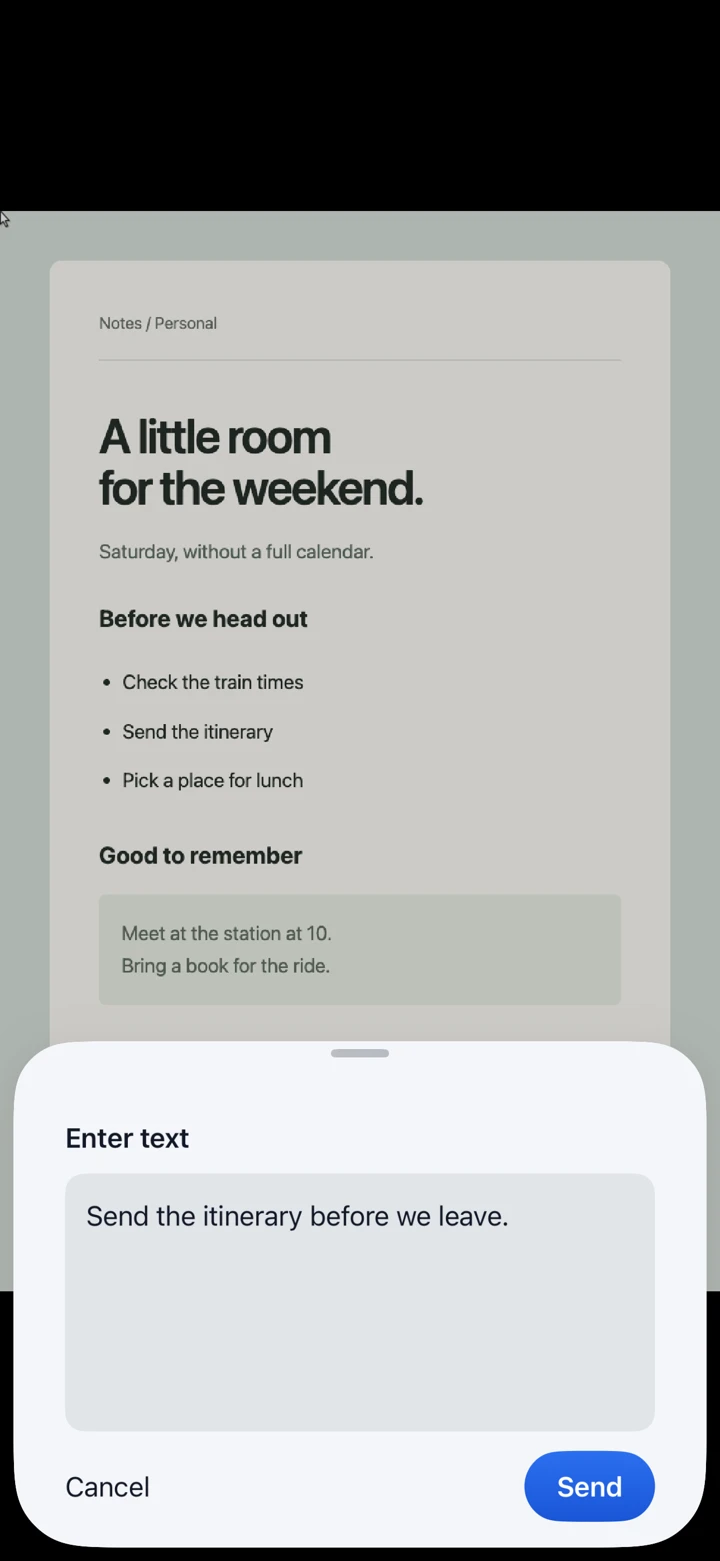
- Dictate here, then sendUse your preferred phone keyboard, including its voice input. Edit locally without waiting for each keystroke to reach the computer, then tap Send.
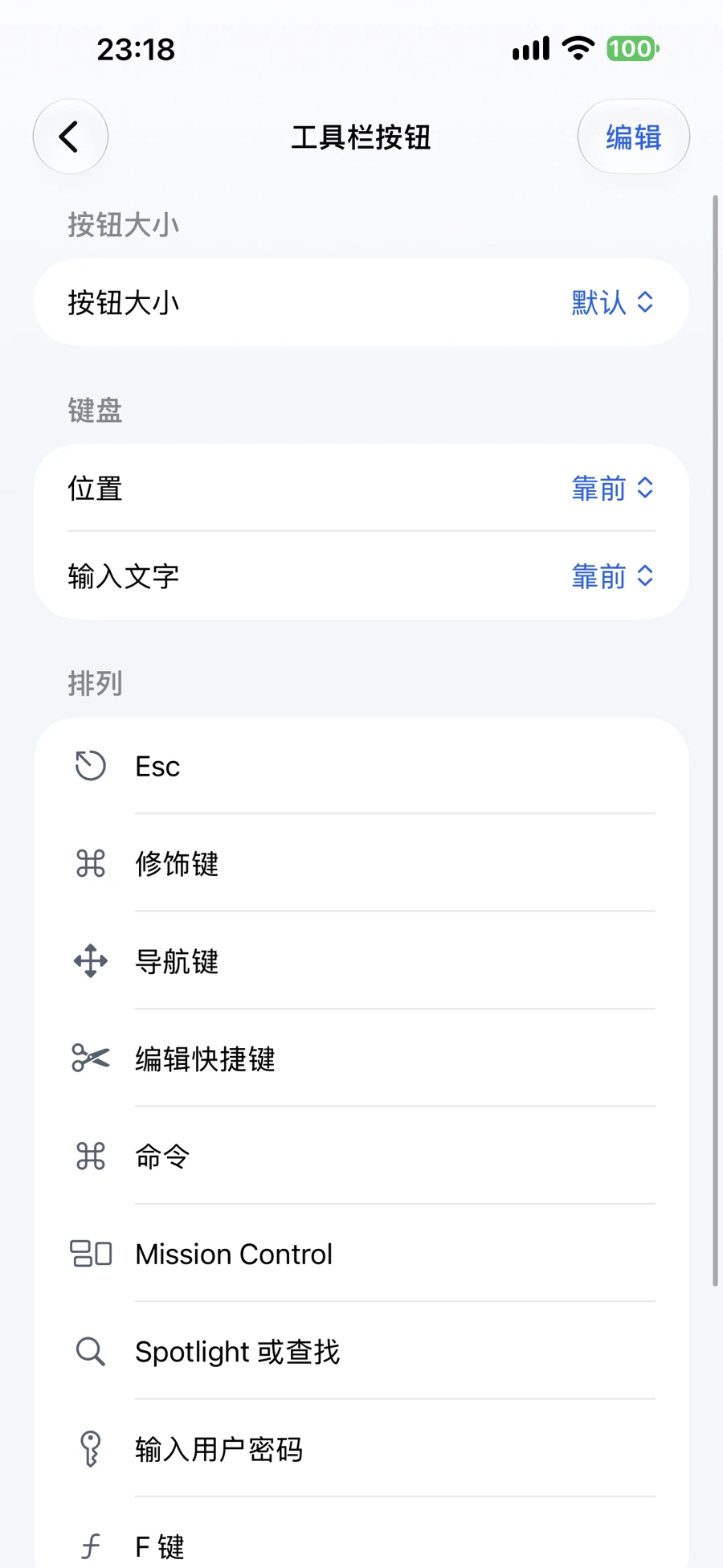
- Arrange the toolbarSet the button size, where the keyboard and text buttons sit, and the order of the rest. The keyboard button always stays; text entry can be hidden.
- On a real iPhoneThe same toolbar settings on a physical iPhone 14 Pro Max, with the app set to Chinese.
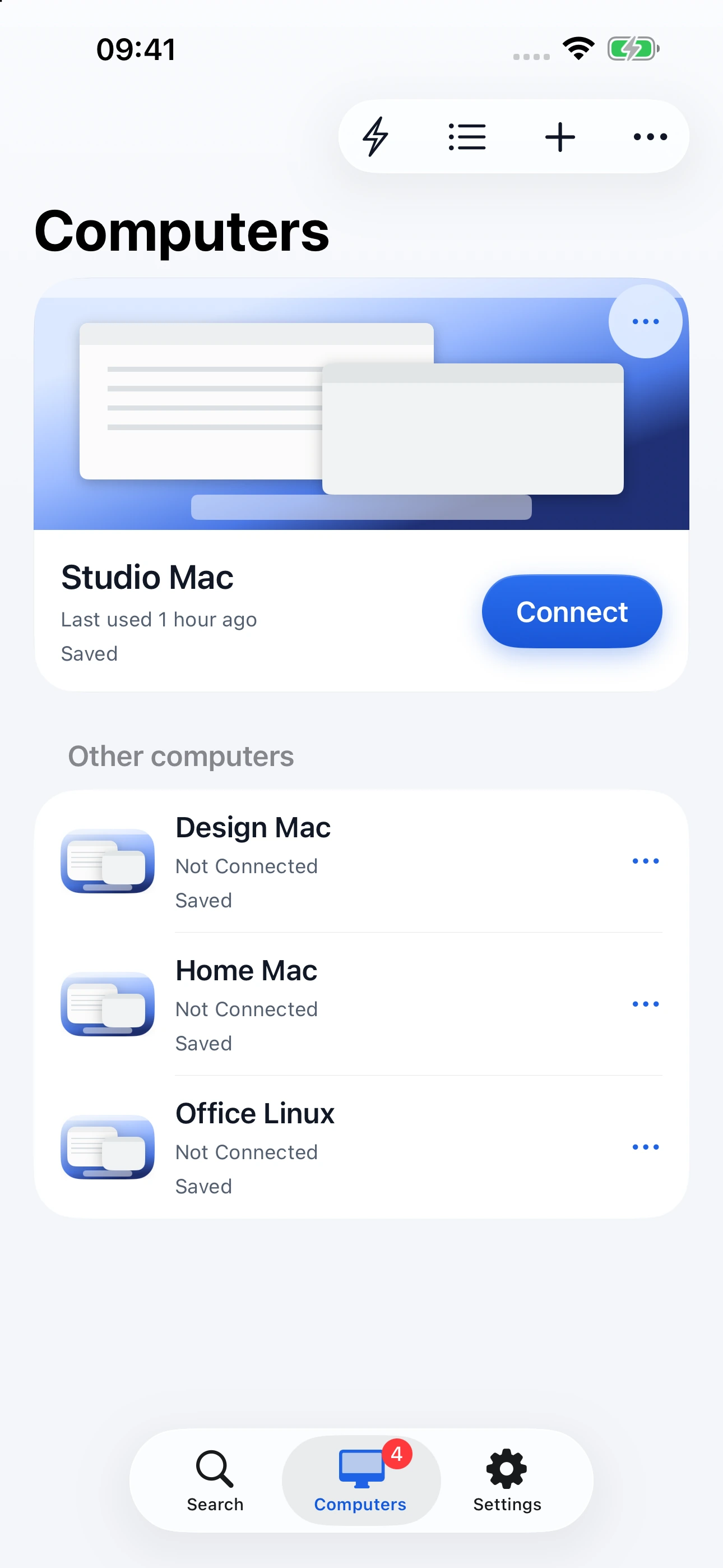
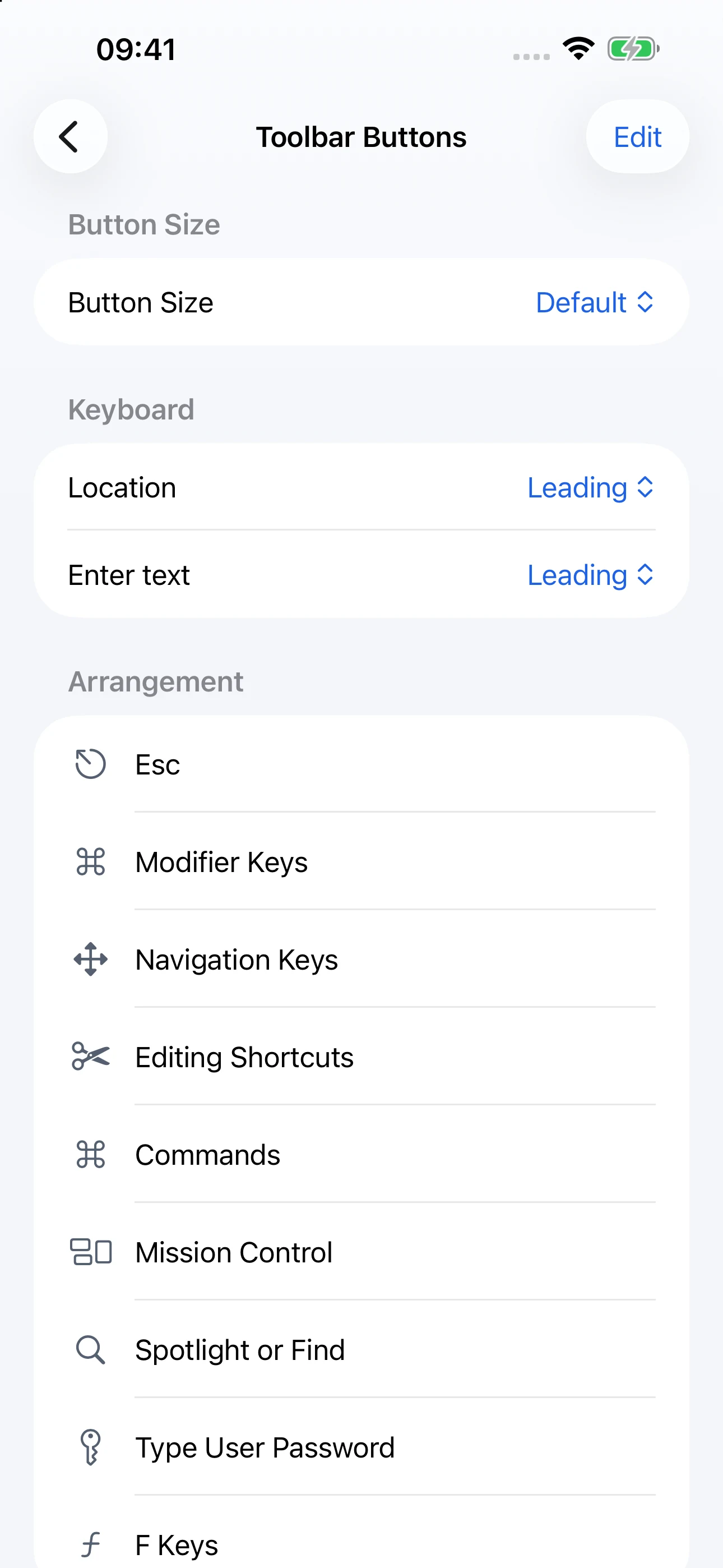
Your computers, with room to browse.
On iPad, browse your saved computers as cards. Your recent computer stays at the top, with a clear Connect button.
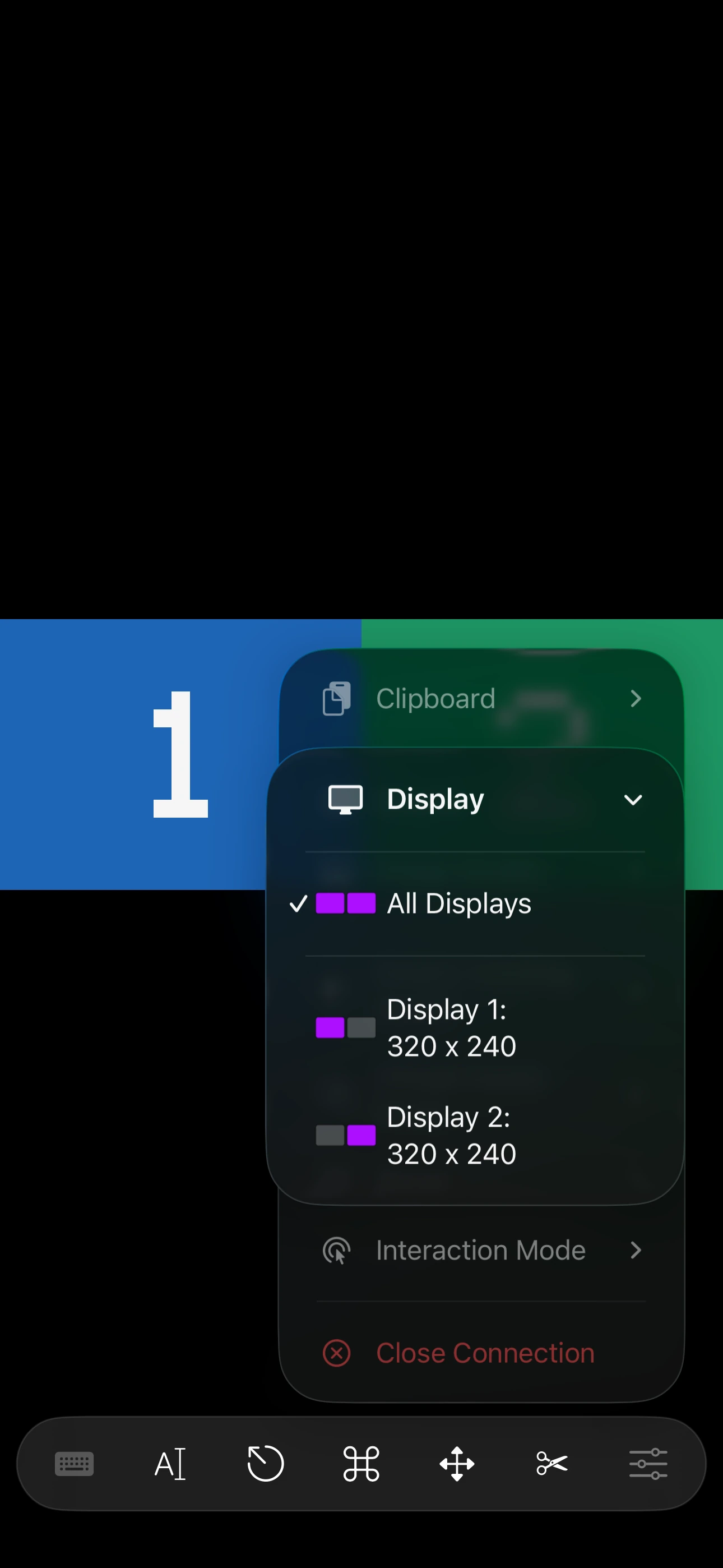
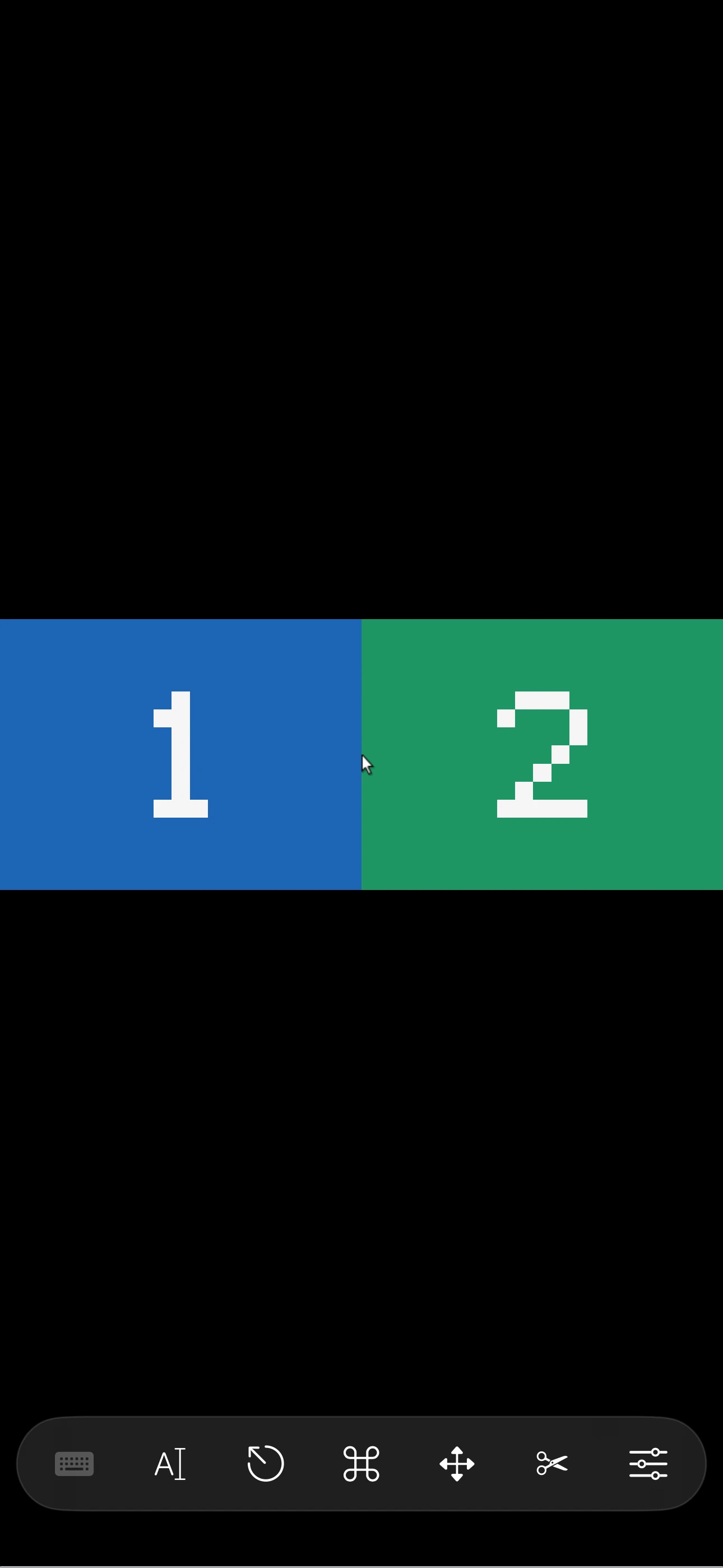
All your displays together, or just one.
See the workspace as it’s arranged, or pick a single display so its text is big enough to read and tap.
iPhone
iPad
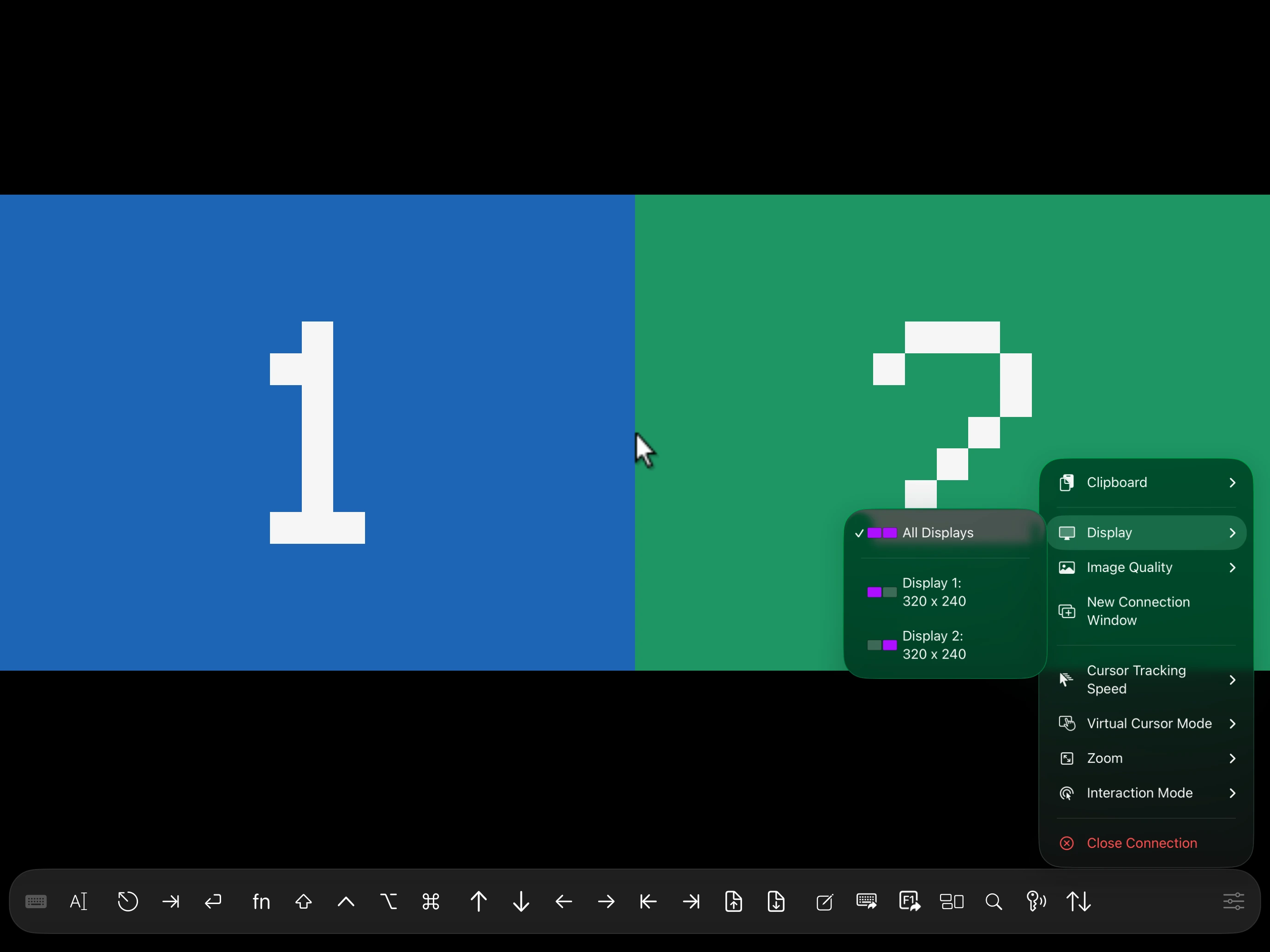
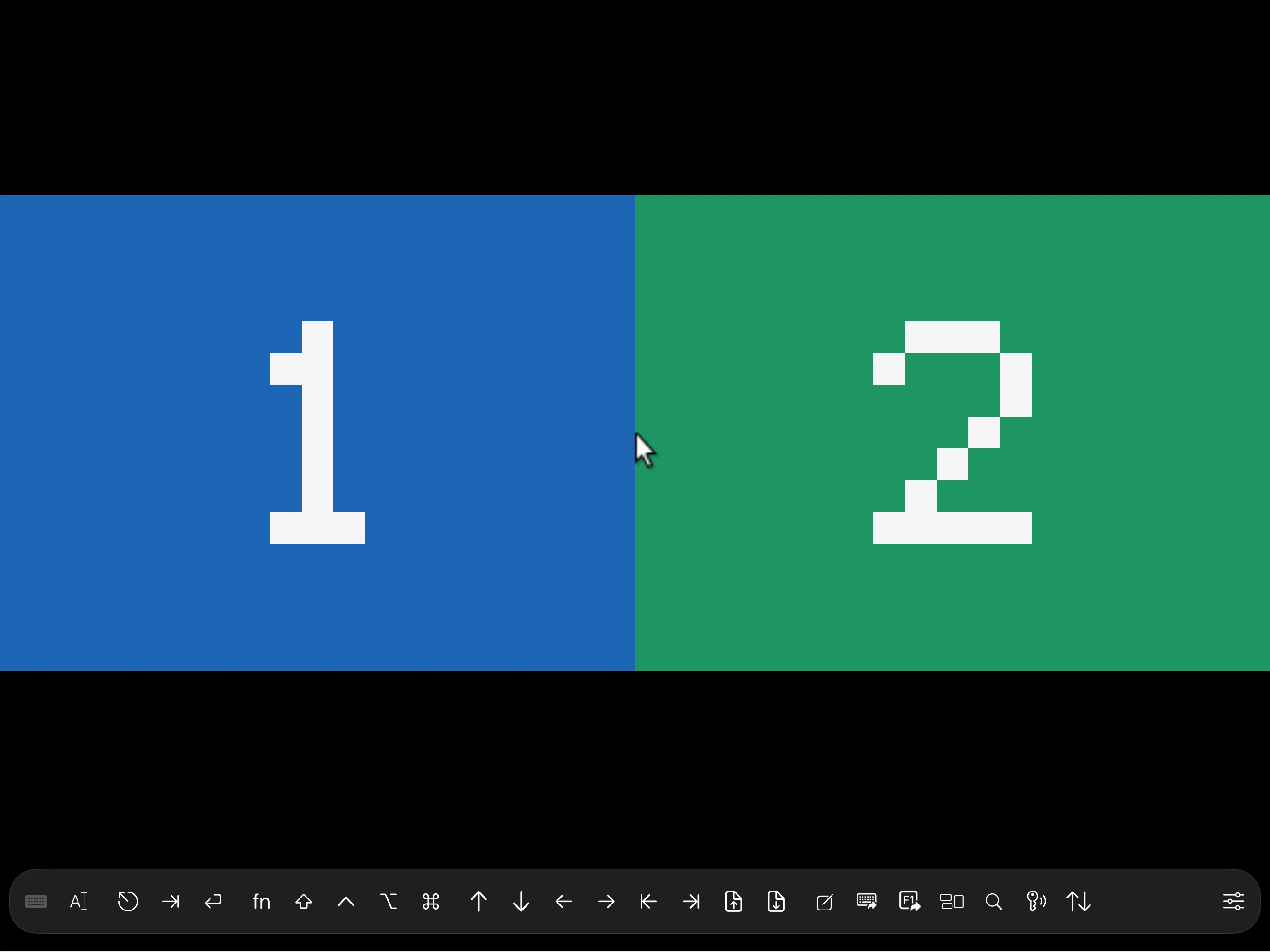
Actual app screens captured in the simulator, with blue and green test desktops. Choose an option above to see each screen. Display selection needs a VNC server that reports its layout, such as Screen Sharing on Mac. Remote Desktop (RDP) currently shows the whole desktop.
Your computers, at home or away.
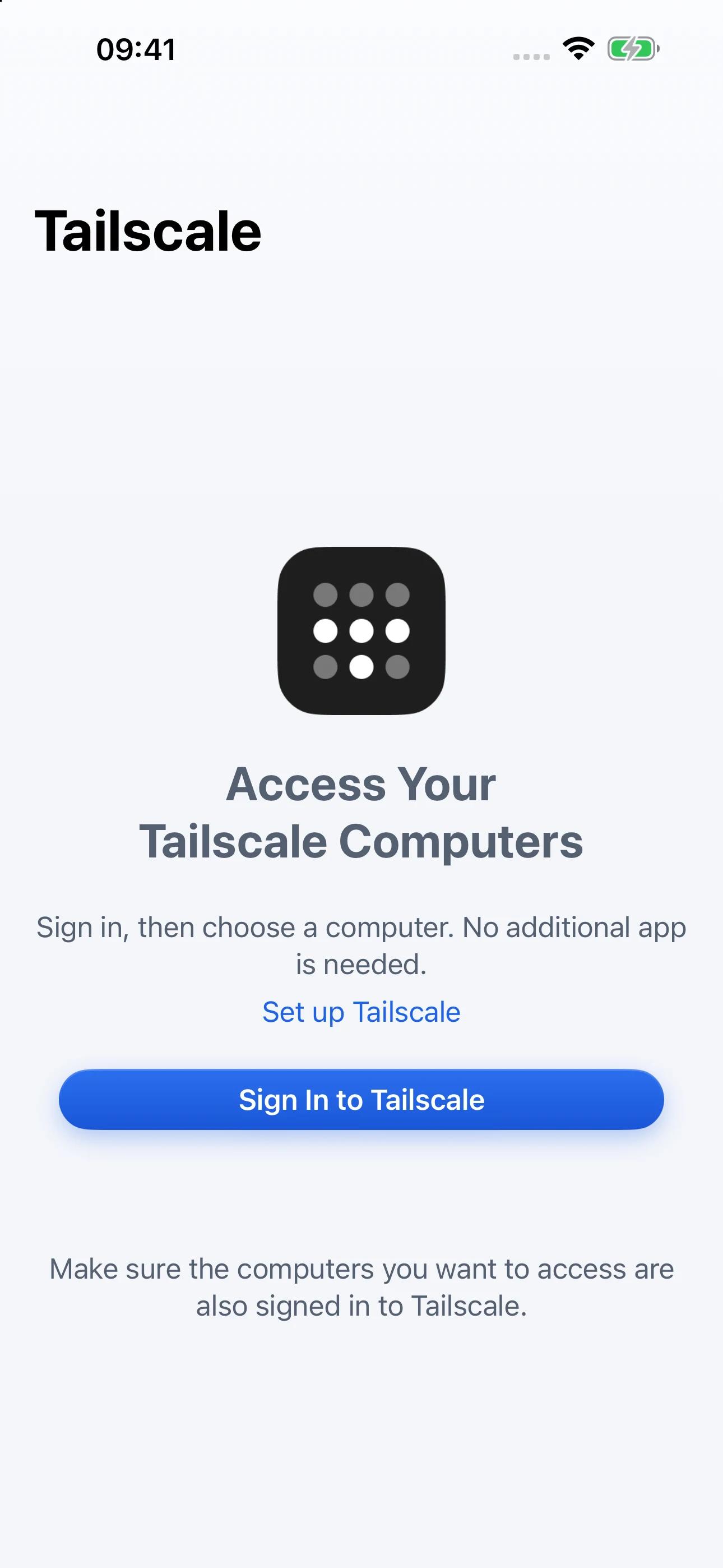
Tailscale, built in
Sign in on Tailscale’s official page without leaving the app. The computers your network lets you reach appear in the list.
Nearby, found for you
On the same network, computers that advertise screen sharing appear on their own once you allow local network access. Add any other by its address.
Your computer must be online with Screen Sharing or Remote Desktop enabled and access allowed. For the Tailscale route, install Tailscale on it too. There’s no NiceScreens account or relay; Tailscale connects directly when it can and uses its own encrypted relay when it can’t.
View full size
Good to know
Full setup guideWhat do I need on my computer?
Screen Sharing on Mac, Remote Desktop on Windows Pro, Enterprise or Education, or a VNC server on Linux. Windows Home can’t host Microsoft Remote Desktop, so use a compatible VNC server there. The computer must be on and reachable; Wake-on-LAN depends on the computer and network, and isn’t a guarantee of waking any computer from anywhere.
Which setups can show all displays or just one?
Display selection works with VNC servers that report their display layout, including Apple Screen Sharing on Mac. Remote Desktop (RDP) connections currently show the whole desktop, without picking a single monitor.
What does signing in to Tailscale do?
It lets NiceScreens list the computers your tailnet allows you to reach. Each computer still needs Tailscale installed, Screen Sharing (VNC) or Remote Desktop turned on, and must be online and permit your access. Signing in doesn’t configure your computers or their passwords.
Why doesn’t my computer appear nearby?
Nearby discovery finds computers on the same network that advertise VNC or Remote Desktop over Bonjour, after you allow local network access. If yours isn’t listed, add it by its address.
Does my connection pass through NiceScreens servers?
No. There’s no NiceScreens account and no NiceScreens relay. You connect directly by address or on your local network, or through Tailscale or an SSH tunnel you set up. Tailscale connects directly when it can and uses its own encrypted relays when it has to. Protection depends on the protocol and setup: away from home, reach VNC through Tailscale or an SSH tunnel instead of exposing it to the public internet, and verify host identities when prompted.
What happens to my passwords and data?
Saved passwords stay in your device’s Keychain. iCloud and iCloud Keychain sync are optional. No ads, usage analytics or crash-reporting SDK.
What else is in the app?
Remote Desktop (RDP) for Windows Pro, Enterprise and Education. SSH tunnels, plus SFTP file transfer when configured. Text drafts written on your device and typed into the computer only when you tap Send. On supported models, a choice of what Apple Pencil double-tap and squeeze do. Optional iCloud and iCloud Keychain sync.
Coming to the App Store.
The first release is with Apple for review, and downloads open once it’s released. The setup guide is ready now.
Prepare your computerAnnual
US$49.90 per year
Includes a 3-day free trial if you’re eligible.
Lifetime
US$299.99 once
The same features, with no renewal.
- Setup and guides are free. Connecting to remote computers needs a subscription or lifetime purchase.
- Buying lifetime doesn’t cancel an existing annual subscription; manage that in your Apple account settings.
- Apple shows the final local price and trial eligibility before you confirm.